RAGE: hold or toggle
Fast head-height aim and validated crosshair auto-fire. Choose hold or toggle activation, then arm it explicitly. Starts off; one validated target at a time.
Explore RAGE: hold or toggle →Aimbot and aim assist. ESP player visuals. Bhop and anti-flash. Tune your CS2 setup, switch into RAGE, and make every key your own—all in one Windows app.
Get to know the features included in Windows version 0.15.10, then build a setup that feels right for you.
Fast head-height aim and validated crosshair auto-fire. Choose hold or toggle activation, then arm it explicitly. Starts off; one validated target at a time.
Explore RAGE: hold or toggle →Choose chest, upper chest, neck or head height. Tune target radius, smoothing, speed, deadzone, horizontal/vertical response and target retention.
Explore Aimbot & aim assist →Choose dots, body/head outlines or ghost glow, plus boxes and a rotating tactical radar. Add player names, current HP and a switchable enemy list centered on the right with last-reported locations. Enemies-only display is the default; dead players are hidden.
Explore Vision: ESP & wallhack-style visuals →Configurable bunny hopping requests a jump on each observed landing while you hold your chosen key. Set the output to your in-game jump bind. Starts off.
Explore Bhop / bunny hop →Experimental local anti-flash control is enabled by default and pauses outside focused CS2. Toggle it from the station or with your chosen shortcut.
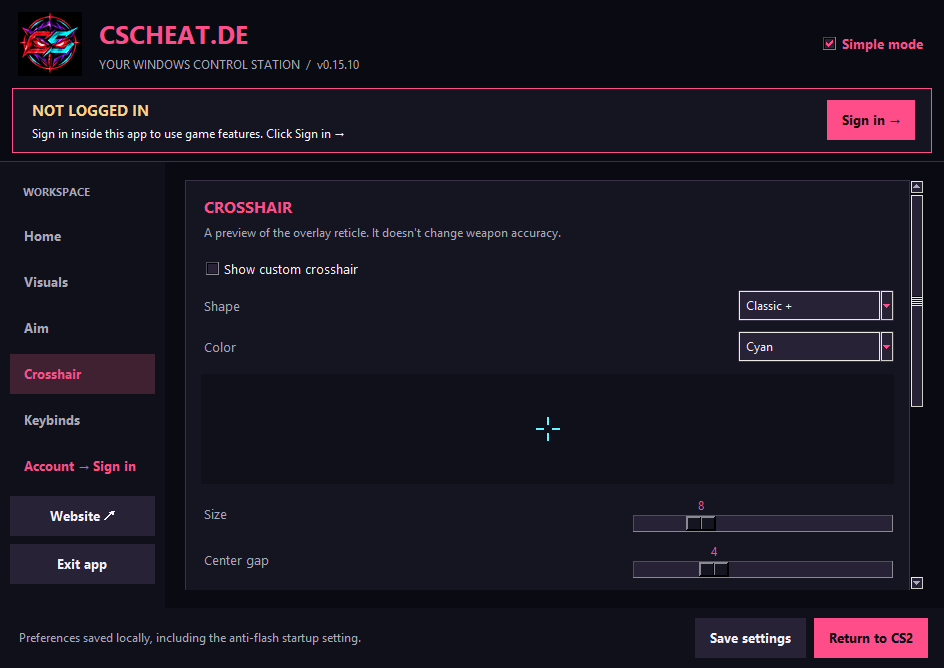
Explore Anti-flash / no flash →Design your crosshair with shapes, colors, size and outline. Copy a CSC-X1 code, preview a shared preset, and apply its appearance in the app.
Explore Custom crosshairs & sharing →Remap supported controls and activation keys. The default layout uses F1, F2 and F5–F8, keeping F3/F4 and F9–F12 free. F7 disables all; F8 exits.
Explore Custom keybinds →Select manual weapon profiles and save response preferences. Switch between Simple and Advanced layouts; profiles do not automatically detect your weapon.
Explore Manual weapon profiles →Keep local grenade lineup notes, run a manual 35/40/45-second countdown, and inspect connection status. Start timers yourself—no automatic bomb detection.
Explore Timers & grenade notes →Optional experimental controls include standalone crosshair auto-fire, generic recoil mouse assist, camera stabilization, dark overlay tint, air-strafe assistance and counter-strafe input. They start off and depend on CS2 being open and in focus, plus the game’s current behavior.
Some features are experimental and may change after game updates. RAGE does not control damage or guarantee kills. Crosshair codes customize this app, not CS2’s native crosshair. Smoke control is an opt-in experiment awaiting in-game verification. Movement smoothing and grenade trajectory prediction are unavailable.
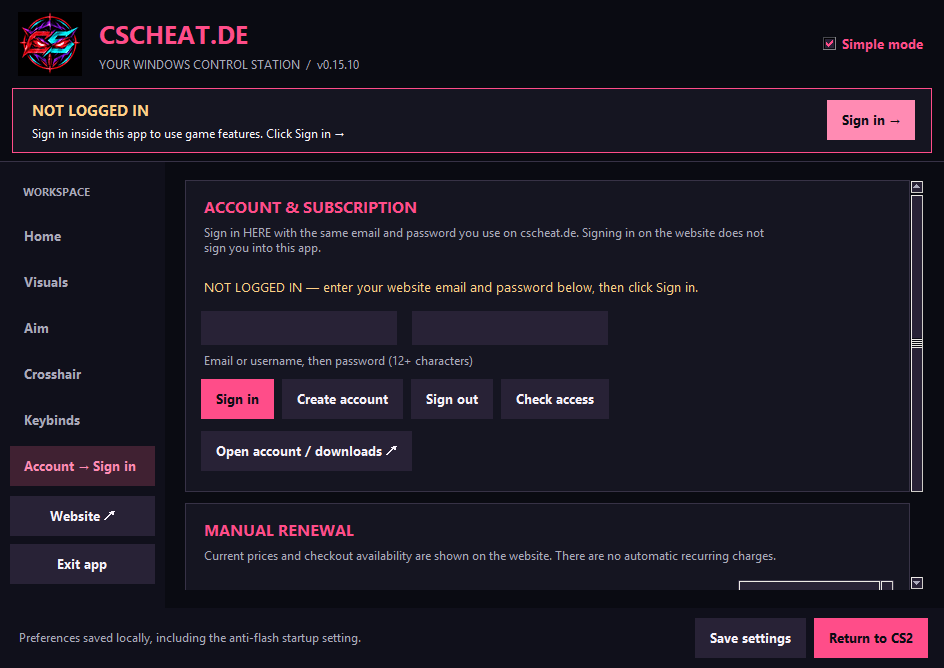
See what’s included →Real screenshots from Windows version 0.15.10, captured with CS2 closed.
The same app access, with a term that fits your routine. One payment at a time. No automatic renewal.
Flexible short-term access.
30 days, one purchase.
Long-term access, one purchase.
Pay with your choice of supported cryptocurrency. Prices are in USD; checkout shows the coin amount and any fees. Payment confirmation and access activation are automatic. No recurring charges.
For Windows 10 and 11, 64-bit. Game updates can affect individual features. Check the release notes for the latest details.
Open account & download status →Yes—we accept many cryptocurrencies. Choose your coin at checkout; your access activates automatically after payment confirmation. The checkout shows available coins, networks, fees and the amount to send.
Aim assist and RAGE, ESP player visuals, bunny hop, anti-flash, custom crosshairs, keybinds and manual weapon profiles. Explore the feature guides above for settings and defaults. Smoke control is available as an opt-in experiment; its in-game effect still needs verification.
When a new version is ready, it appears in your account. Download and open it to update. You choose when to install it.
No. Payment confirmation and access activation are automatic, but renewal is your choice. Buy another plan when you want more time. Your account shows when your access ends.
Choose “Email verification / reset password” on the account page. Open the email and follow the link to set your password. The link works once and expires after one hour.
Submit a support ticket using the chat and support panel, or email support@cscheat.de. Never send passwords, payment secrets or recovery phrases.
Do not send crypto to wallets shared in chat, comments or third-party websites. Verify invoice details through the official checkout only.
Ask about plans, setup or purchasing. Don't share passwords or payment secrets.